
对于很多资深 NAS 玩家来说,拿到一台机器后,首先要配置远程登录和环境依赖。懒猫微服其实覆盖了云计算里常说的 IaaS、PaaS、SaaS 三个层级,不过对于资深玩家而言,肯定还是要从基础设施这一层入手。
官方文档如下:
https://developer.lazycat.cloud/ssh.html
安装懒猫开发者工具后,可以在右上角看到 sshd 服务的状态。
点击开启后才能使用 SSH 登录。写这篇文章做测试时,我关闭了这个按钮,再连接 SSH 就直接报错了。
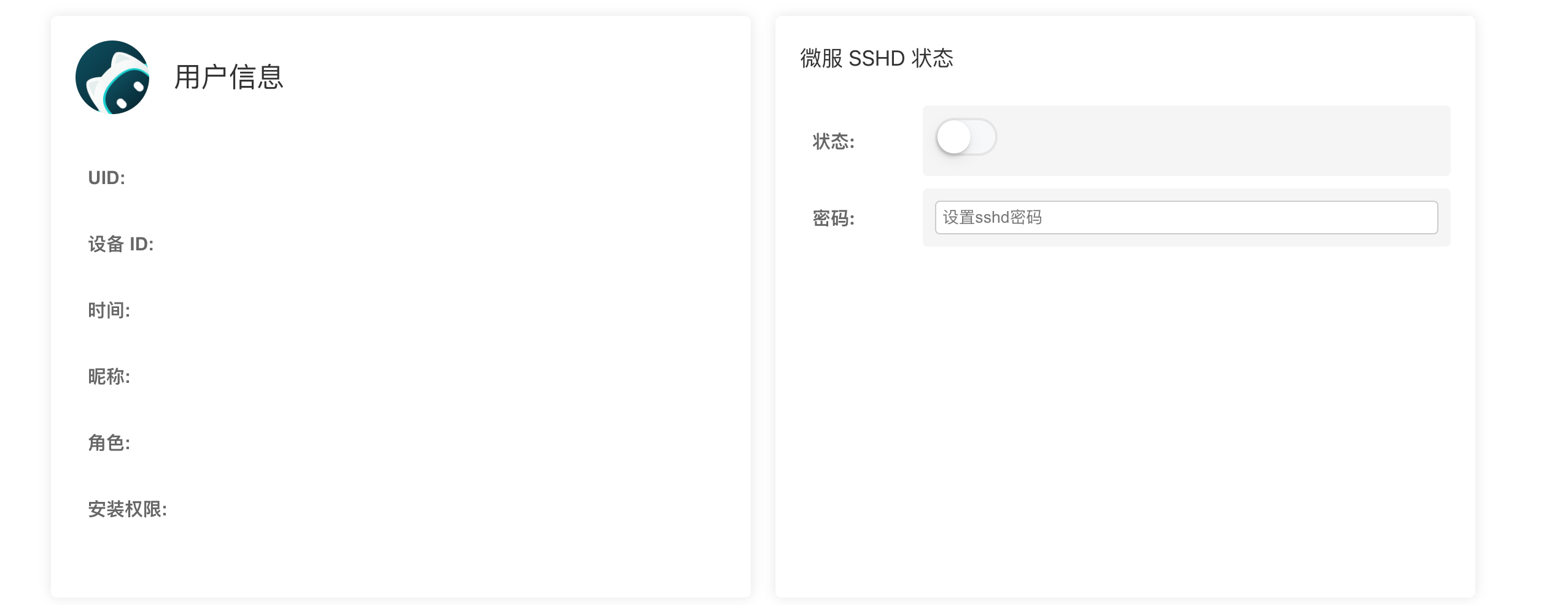
默认是 root 身份登录,密码在开发者工具里启动的时候设置:
1 | ssh root@<your-service-name>.heiyu.space |
如果觉得密码麻烦,也可以导入密钥,更加安全:
1 | ssh-copy-id -i ~/.ssh/id_ed25519 root@xxxxx.heiyu.space |
输出如下:
1 | /usr/bin/ssh-copy-id: INFO: Source of key(s) to be installed: "/Users/xu/.ssh/id_ed25519.pub" |
如果不想日常使用 root,可以新建一个普通用户,并按需加入 sudo 组:
1 | useradd -m -s /bin/bash user1 |
如果确实需要让这个用户直接操作 Docker,再执行:
1 | usermod -aG docker user1 |
安全提示:能够访问 Docker Socket 的用户通常可以挂载宿主机目录、启动特权容器,权限基本等同于 root。不要为了“看起来更安全”就随意把普通用户加入
docker组,只在确有需要时开放。
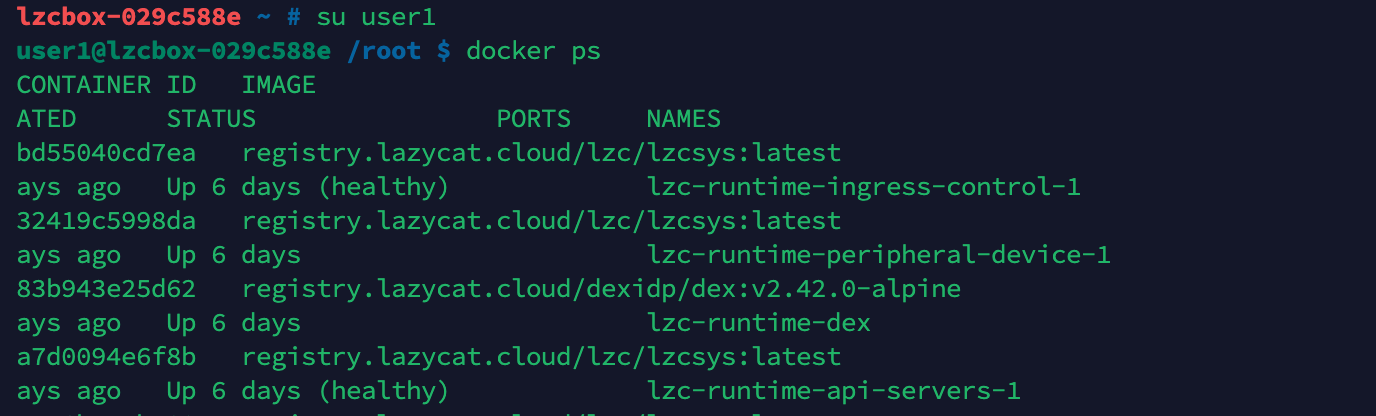
如果加入 sudo 组后仍提示找不到 sudo,需要先安装这个软件包。并不是所有 Linux 系统都会默认安装 sudo:
1 | apt update && apt install sudo |
注意:需要保持懒猫微服 App 运行,否则无法使用 heiyu.space 提供的穿透服务。


扫码关注「忘机山人」
本博客所有文章除特别声明外,均采用 CC BY-NC 4.0 许可协议。转载请注明来源 镜湖!
 微信
微信 支付宝
支付宝
评论
