用 Langfuse 做 LLM 观测平台,拉 trace 数据时不小心把服务端打挂了。本文记录从发现 502 到定位 Node.js OOM,再到写脚本安全导出标注数据的完整过程。
Langfuse 是一个开源的 LLM 观测平台,用来追踪 LLM 应用的调用链路、记录 input/output、做人工标注评估等.
跑了一段时间,积累了不少 trace 数据和人工标注。某天想通过 API 批量拉取 trace 数据做分析,结果把服务端打挂了。
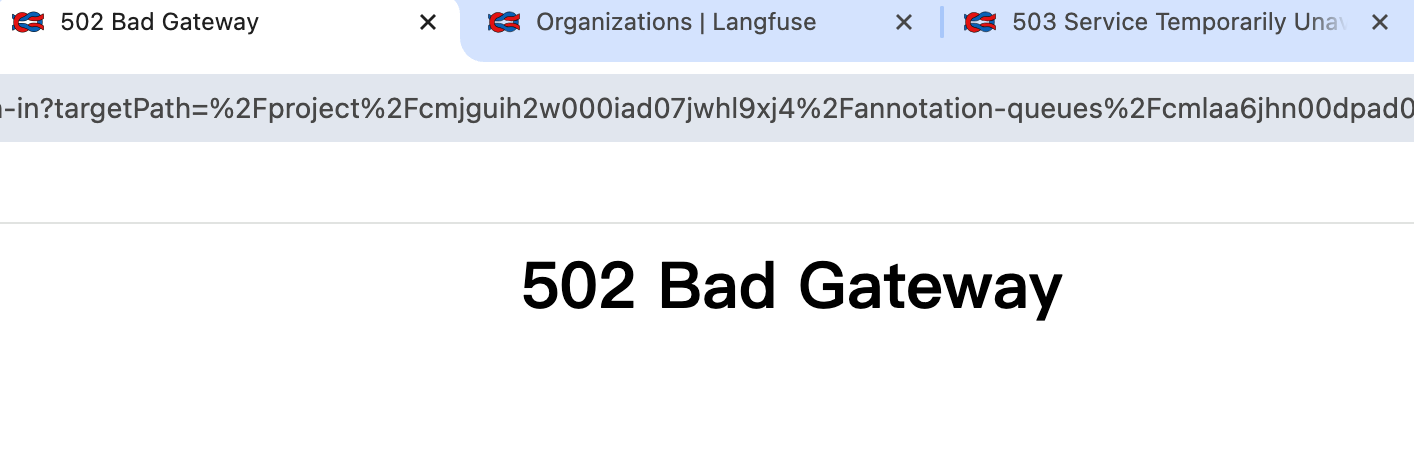
故障现象 第一阶段:502 后端超时 请求 /api/public/traces/{id} 接口拉取单个 trace 的完整数据时,先是返回 502 Bad Gateway,Nginx/OpenResty 报后端超时。
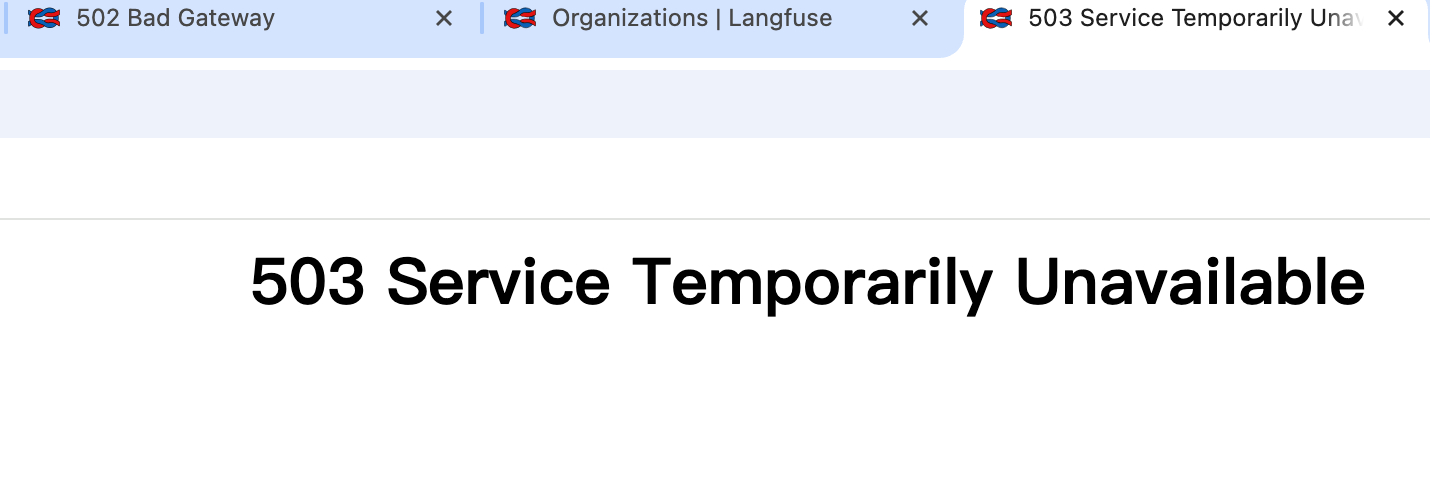
第二阶段:整个应用挂了 多请求几次之后,不只是 API 超时了,整个 Langfuse Web 界面都打不开了,彻底 503。
根因分析 把容器日志扔给 AI 分析,定位到了问题:
因果链 1 2 3 4 5 大 trace 请求 → 服务端序列化 >4MB 的响应体 → Node.js 堆内存爆了(OOM) → 进程崩溃 → Nginx/OpenResty 返回 502/503
具体原因
Langfuse 是 Next.js 应用,跑在 Node.js 上,默认堆内存上限大约 2GB
我请求的那几个 trace 数据量很大,每个响应体超过 4MB(日志里反复提示 exceeds 4MB)
多个大 trace 请求同时处理时,Node.js 内存直接爆了,进程崩溃
进程挂了之后,前面的反向代理(Nginx/OpenResty)拿不到后端响应,就返回 502/503
核心问题 /api/public/traces/{id} 这个接口会返回 trace 的完整数据,包括所有 observations、spans、events 的全部 input/output。如果一个 trace 里有多轮 LLM 调用,每轮的 prompt 和 completion 都很长,那整个 trace 的 JSON 响应轻松超过 4MB。
Node.js 在序列化这么大的 JSON 时,内存占用会远超 JSON 本身的大小(因为要构建字符串、做 UTF-8 编码等),几个大 trace 同时处理就足以把 2GB 堆内存撑爆。
解决思路 我的需求其实很简单:导出所有被人工标注为 “Good” 的 trace 的 input/output,用来做后续的微调数据集。
既然直接拉 trace 会把服务端打挂,那就绕开它:
接口
返回内容
风险
/api/public/traces/{id}完整 trace(所有 spans、events、input/output)
响应体巨大,容易 OOM
/api/public/observations按 traceId 查询 observations
数据量可控,安全
/api/public/scores所有标注数据(不含 trace 内容)
很轻量
策略:
先通过 /api/public/scores 拿到所有标注,过滤出 Good 的
再通过 /api/public/observations?traceId=xxx 逐个拉取对应的 input/output
加上重试和限流,避免再次打挂服务端
抢救脚本 1 2 3 4 5 6 7 8 9 10 11 12 13 14 15 16 17 18 19 20 21 22 23 24 25 26 27 28 29 30 31 32 33 34 35 36 37 38 39 40 41 42 43 44 45 46 47 48 49 50 51 52 53 54 55 56 57 58 59 60 61 62 63 64 65 66 67 68 69 70 71 72 73 74 75 76 77 78 79 80 81 82 83 84 85 86 87 88 89 90 91 92 93 94 95 96 97 98 99 100 101 102 103 104 105 106 107 108 109 110 111 112 import requestsimport jsonimport timePUBLIC_KEY = "pk-lf-xxx" SECRET_KEY = "sk-lf-xxx" BASE_URL = "https://your-langfuse-instance.example.com" session = requests.Session() session.auth = (PUBLIC_KEY, SECRET_KEY) def get_with_retry (url, params=None , max_retries=3 ): """带重试的 GET 请求""" r = None for i in range (max_retries): try : r = session.get(url, params=params, timeout=60 ) if r.status_code == 200 : return r print (f" 第{i+1 } 次请求返回 {r.status_code} ,等待重试..." ) except Exception as e: print (f" 第{i+1 } 次请求异常: {e} " ) time.sleep(3 ) return r t0 = time.time() print (f"[{time.strftime('%H:%M:%S' )} ] === 获取标注数据 ===" )resp = get_with_retry( f"{BASE_URL} /api/public/scores" , params={"source" : "ANNOTATION" } ) print (f"[{time.strftime('%H:%M:%S' )} ] 获取标注耗时 {time.time()-t0:.2 f} s, status={resp.status_code} " )if not resp or resp.status_code != 200 : print (f"请求失败: {resp.status_code if resp else 'None' } " ) exit() scores = resp.json().get("data" , []) print (f"共找到 {len (scores)} 条标注" )good_scores = [ s for s in scores if s.get("value" ) == 1 or s.get("stringValue" ) == "Good" ] print (f"其中 Good 的有 {len (good_scores)} 条" )def fetch_observations (trace_id ): """拉取 trace 下的 observations,只取 GENERATION 类型的 input/output""" try : r = get_with_retry( f"{BASE_URL} /api/public/observations" , params={"traceId" : trace_id} ) if not r or r.status_code != 200 : return None obs_list = r.json().get("data" , []) generations = [o for o in obs_list if o.get("type" ) == "GENERATION" ] if generations: gen = generations[-1 ] return {"input" : gen.get("input" ), "output" : gen.get("output" )} if obs_list: o = obs_list[0 ] return {"input" : o.get("input" ), "output" : o.get("output" )} return None except Exception as e: print (f" 获取 observations 失败: {e} " ) return None results = [] t1 = time.time() print (f"[{time.strftime('%H:%M:%S' )} ] 开始逐个拉取 observations..." )for i, s in enumerate (good_scores): trace_id = s.get("traceId" ) t = time.time() obs = fetch_observations(trace_id) elapsed = time.time() - t record = { "trace_id" : trace_id, "score_name" : s.get("name" ), "score_value" : s.get("value" ), "string_value" : s.get("stringValue" ), "comment" : s.get("comment" ), "input" : obs.get("input" ) if obs else None , "output" : obs.get("output" ) if obs else None , } results.append(record) print (f"[{time.strftime('%H:%M:%S' )} ] {i+1 } /{len (good_scores)} trace={trace_id[:8 ]} ... {elapsed:.2 f} s" ) time.sleep(0.5 ) print (f"[{time.strftime('%H:%M:%S' )} ] 拉取总耗时 {time.time()-t1:.2 f} s" )with open ("good_annotations.json" , "w" , encoding="utf-8" ) as f: json.dump(results, f, ensure_ascii=False , indent=2 , default=str ) print (f"[{time.strftime('%H:%M:%S' )} ] 全部完成,总耗时 {time.time()-t0:.2 f} s" )print (f"已导出 {len (results)} 条 Good 标注到 good_annotations.json" )
脚本设计要点
绕开 traces 接口 :不用 /api/public/traces/{id},改用 /api/public/observations?traceId=xxx,返回的数据量小得多重试机制 :get_with_retry 最多重试 3 次,每次间隔 3 秒,应对偶发的超时或 5xx限流 :每个请求之间 sleep(0.5),避免并发请求再次打挂服务端只取需要的数据 :从 observations 里只取 GENERATION 类型的 input/output,不拉完整的 span 树
输出格式 导出的 good_annotations.json 长这样:
1 2 3 4 5 6 7 8 9 10 11 [ { "trace_id" : "abc12345-..." , "score_name" : "quality" , "score_value" : 1 , "string_value" : "Good" , "comment" : "回答准确" , "input" : { "messages" : [ { "role" : "user" , "content" : "..." } ] } , "output" : { "choices" : [ { "message" : { "content" : "..." } } ] } } ]
每条记录包含 trace ID、标注信息、以及对应的 LLM input/output,可以直接用来构建微调数据集。
经验总结 关于 Langfuse
Langfuse 的 /api/public/traces/{id} 接口会返回完整的 trace 数据,如果 trace 里有大量 LLM 调用,响应体很容易超过 4MB
Node.js 序列化大 JSON 时内存占用远超 JSON 本身大小,几个大请求就能把默认 2GB 堆内存撑爆
批量拉数据时,优先用 /api/public/observations 和 /api/public/scores 这类更轻量的接口,按需取数据
如果确实需要拉大 trace,考虑加 --max-old-space-size 参数给 Node.js 扩大堆内存,或者在 Langfuse 前面加请求大小限制
关于数据抢救
服务挂了不要慌,数据还在数据库里,只是 Web 服务进程崩了
重启容器通常就能恢复,但要避免再次触发同样的问题
写抢救脚本时,重试 + 限流 + 只取必要字段,三件套缺一不可
自建 Langfuse 的好处是数据完全在自己手里,但也意味着运维问题得自己扛
相关链接: