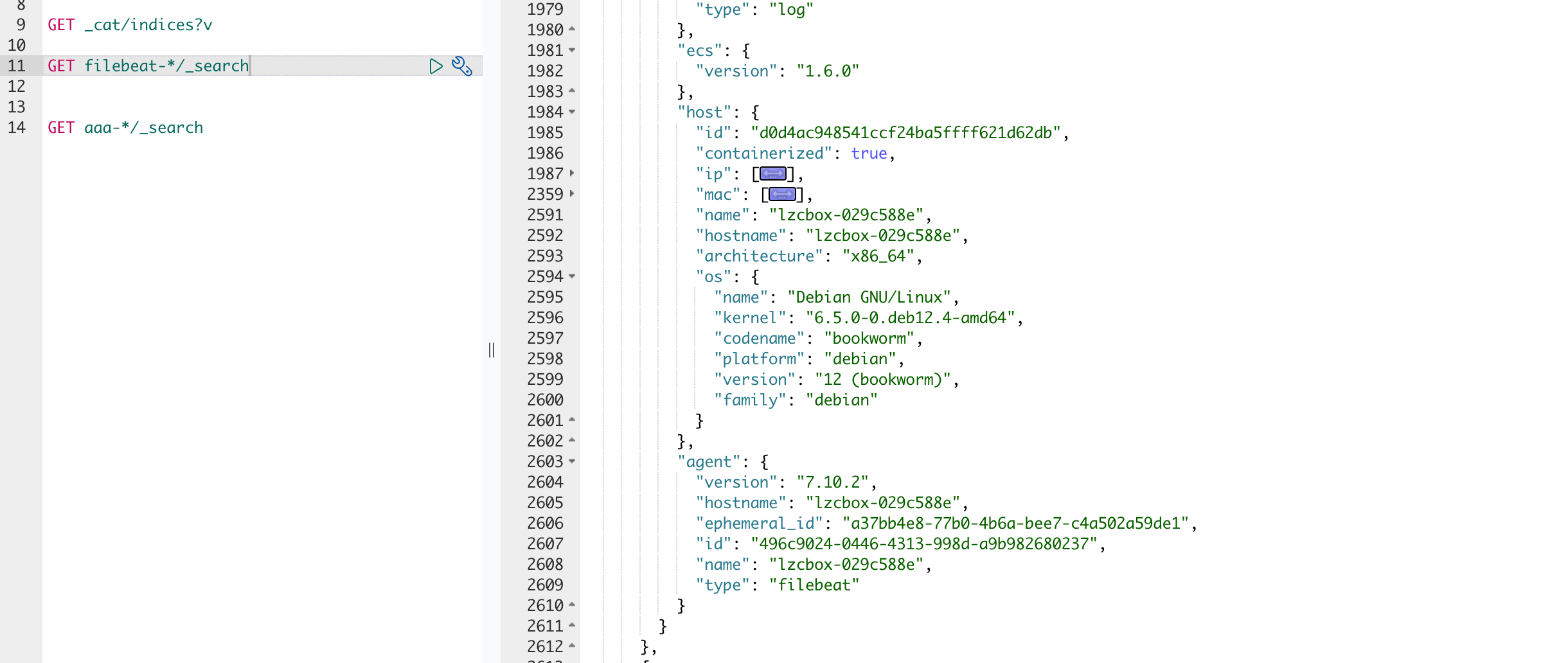
Filebeat OSS (Open Source Software) 7.10.2 版本是 Elastic 公司提供的开源版本。移除了一些Elasticsearch商业化的功能插件(但是没移出去干净)
https://www.elastic.co/cn/downloads/past-releases/filebeat-oss-7-10-2。
这主要还是 AWS 和 Elastic 公司之间的矛盾,AWS 托管的 ES 会和 Elastic 抢客户。所以 Elastic 搞了一个不能商业化的协议,影响了这个生态圈,也给开发者造成了很多不方便。
还记得这个非常戏剧性的 Issue:
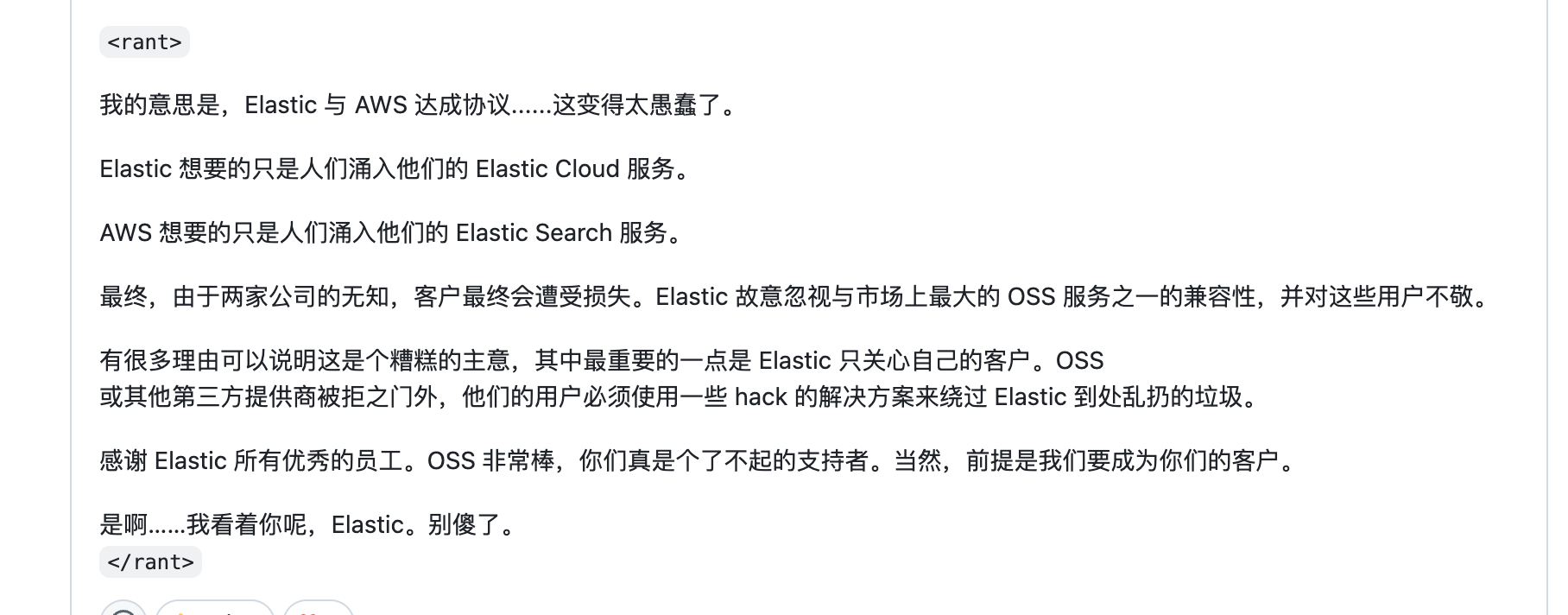
https://github.com/elastic/beats/issues/8086
下面将介绍如何配置该版本 Filebeat 将日志发送到 Easysearch。
以下是完整的filebeat.yml配置示例:
1 2 3 4 5 6 7 8 9 10 11 12 13 14 15 16 17 18 19
| filebeat.inputs: - type: log enabled: true paths: - /var/log/messages - /var/log/httpd/*.log
output.elasticsearch: hosts: ["yourEasysearchEndpoint:443"] protocol: "https" username: "username" password: "password" ssl.verification_mode: none
setup.template.name: "filebeat" setup.template.pattern: "filebeat-*" setup.template.enabled: true setup.ilm.enabled: false
|
setup.template 和 setup.ilm 相关的操作就是和没移除干净的 xpack 有关系,所以得再配置文件加上这些东西。
同时也得在 Easysearch 里面开启兼容 ES 的 API,不然会遇到这个报错。
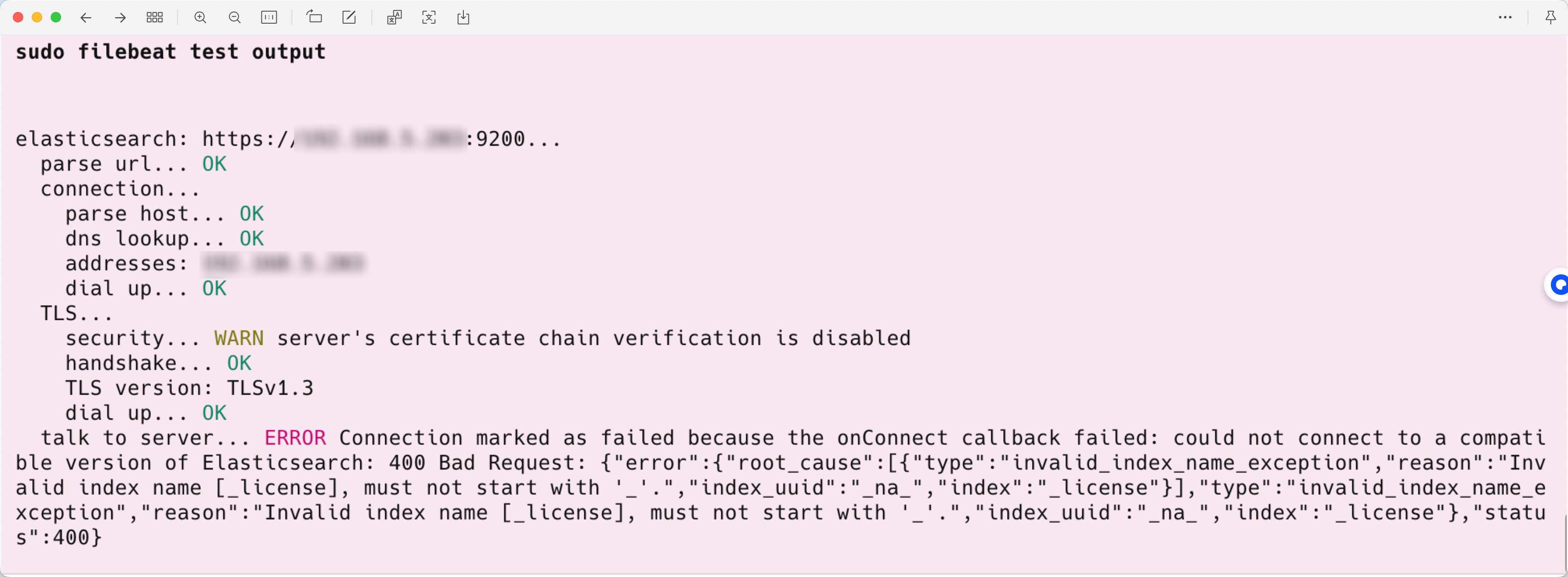
在我的 MBP 上是这样:(config/easysearch.yml)
1 2 3
| discovery.type: single-node network.host: 0.0.0.0 elasticsearch.api_compatibility: true
|
- 启动并测试 Filebeat:
1 2
| sudo systemctl start filebeat sudo filebeat test output
|
- 检查服务状态:
1
| sudo systemctl status filebeat
|
- 生成测试日志:
1
| echo "test log $(date)" | sudo tee -a /var/log/messages
|
- 在 Easysearch 中查询日志:
使用 Dev Tools 执行以下查询:
1 2 3 4 5 6 7 8 9 10 11 12 13
| GET filebeat-*/_search { "query": { "match_all": {} }, "sort": [ { "@timestamp": { "order": "desc" } } ] }
|

成功响应示例如下:
1 2 3 4 5 6 7 8 9 10 11 12 13 14 15 16 17 18 19 20 21 22 23 24 25 26 27 28 29 30 31 32 33 34 35 36 37 38 39 40
| { "took": 5, "timed_out": false, "_shards": { "total": 5, "successful": 5, "skipped": 0, "failed": 0 }, "hits": { "total": { "value": 1, "relation": "eq" }, "max_score": null, "hits": [ { "_index": "filebeat-7.10.2-2025.04.18", "_id": "XXXXXXX", "_score": null, "_source": { "@timestamp": "2025-04-29T09:04:09.566Z", "log": { "file": { "path": "/var/log/messages" }, "offset": 0 }, "message": "test log Fri Apr 29 09:04:00 UTC 2025", "input": { "type": "log" }, "ecs": { "version": "1.6.0" } } } ] } }
|
曾经在 ubuntu 上遇到过只要启动 filebeat 就报错一堆内存的信息:
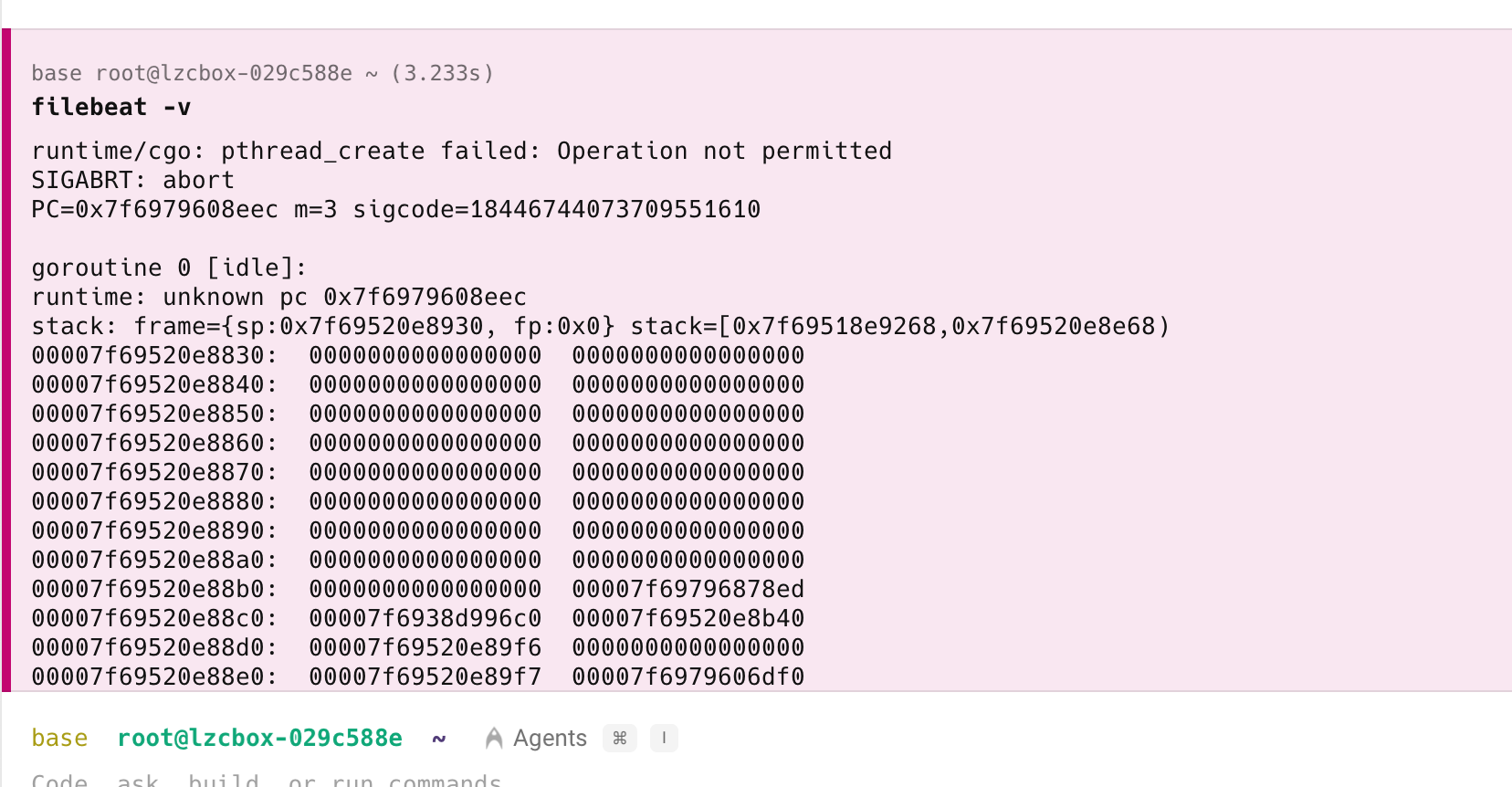
这个文章给了一个解决办法:
https://infinilabs.cn/blog/2025/ubuntu_run_filebeat/通过以上配置和步骤,您应该能够成功使用Filebeat OSS 7.10.2 版本将日志收集到 Easysearch 中。